
The Best Backup Solutions for SMEs
The best backup solutions for SMEs: how companies find a secure, economical backup strategy that's ready for the real thing.
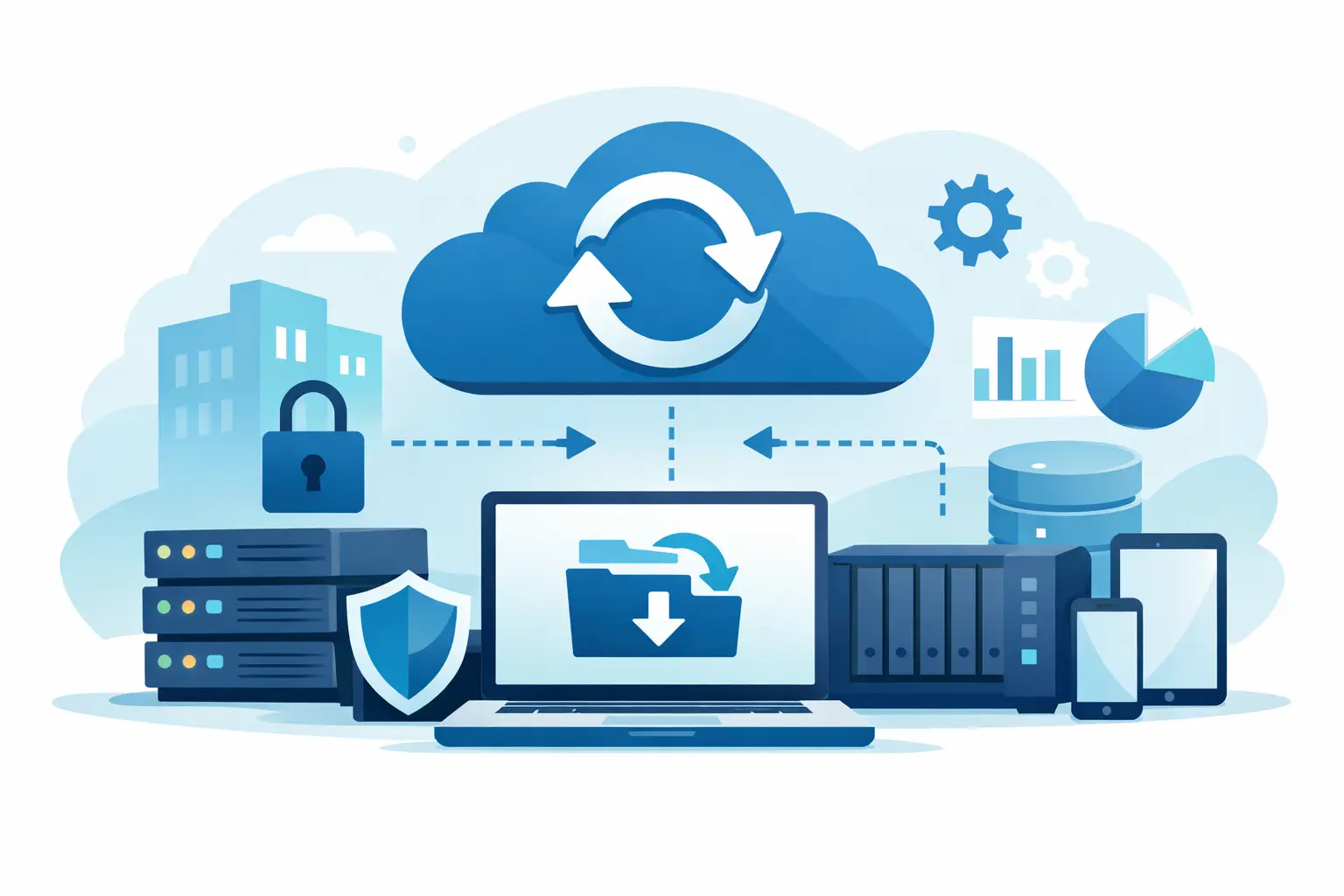
When a server fails, a file is accidentally deleted, or malware encrypts systems, it quickly becomes clear whether a company is truly protected. That's exactly why the question of the best backup solutions for SMEs isn't a purely technical decision, but a fundamental operational one. For small and medium-sized businesses, it's not about having as much technology as possible, but about reliability, recoverability, and an effort level that fits daily operations.
What SMEs really need from a backup solution
Many companies back up data somehow. They copy files to an external hard drive, use cloud storage, or rely on the built-in tools of their systems. That seems pragmatic at first, but often isn't enough in an emergency. A backup is only good once data can be restored completely, regularly, and — above all — quickly.
For SMEs, what matters less is a vendor's marketing promise and more the answer to three practical questions: how long can operations stand still in a disruption, how much data can be lost at most, and who makes sure the backup actually works? Once these points are clarified, suitable solutions narrow down considerably.
There's another factor that's often underestimated in smaller companies: relieving staff. Backups that constantly need to be checked or triggered manually are error-prone. Good solutions take work off daily operations instead of creating additional lists and routines.
Best backup solutions for SMEs — what variants exist
The best backup solutions for SMEs can't be reduced to a single model. In practice, three basic forms are usually relevant: local backup, cloud backup, or a combination of both. Which variant makes sense depends on infrastructure, availability, and security requirements.
Local backups for fast recovery
Local backups sit, for example, on a NAS system, a backup server, or separate storage within the company. Their big advantage is speed. If data has been accidentally deleted or a single server needs to be restored quickly, a local backup is often the fastest solution.
The downside is obvious: if the backup is stored in the same building as the production systems, it may also be affected by fire, theft, water damage, or ransomware. On its own, a local backup is therefore rarely sufficient.
Cloud backups for off-site resilience
With cloud backup, data is transferred encrypted to an external data center. This creates physical separation and reduces the risk of production systems and backups failing at the same time. For companies with multiple locations, mobile workplaces, or limited in-house IT infrastructure, this is often an economically sound solution.
However, the same caveat applies here: not every cloud is automatically a backup. If you only store files in a sync solution, you don't yet have a resilient data backup. If a file is accidentally deleted or encrypted, that error can potentially sync too. That's why versioning, retention rules, and clearly defined recovery processes are needed.
Hybrid backup as a practical standard
For many SMEs, a hybrid approach is the best choice. Data is backed up locally for fast restores and additionally off-site to the cloud or a second location. This principle combines short recovery times with higher resilience. It's not the cheapest option, but in many cases the most economical, because it cushions business interruptions far better.
Companies that depend on ERP systems, file servers, email, virtual environments, or central applications generally do best with a hybrid model. What matters is that both layers are coordinated with each other rather than being a random collection of individual solutions.
What really matters when choosing a solution
The best backup solution isn't automatically the one with the most features. It's the one that fits the business and works reliably in an emergency. That's why it's worth looking at a few criteria that in practice often count for more than pure product specs.
The first is recovery time. A trade business that mainly needs to back up documents and emails has different requirements than a manufacturing company with running systems or a medical practice with critical applications. The more expensive downtime becomes, the more important fast recovery concepts and regular testing are.
The scope of what's backed up matters just as much. Should only files be backed up, or entire systems, virtual machines, Microsoft 365 data, servers, and endpoints? Many companies only discover in an emergency that files were backed up, but important configurations, mailboxes, or databases were missing.
Retention also plays a bigger role than it might initially seem. Short retention periods save space and cost, but don't help much if an incident is only discovered weeks later. Especially with ransomware or silent data corruption, older recovery points are often crucial.
Then there's the question of security. Backups themselves must be protected — against unauthorized access, manipulation, and being encrypted along with everything else. Encryption, separated access rights, and immutable backups aren't a nice-to-have here, but a sensible standard.
Best backup solutions for SMEs by business reality
Anyone looking for the best backup solutions for SMEs should think less in terms of product names and more in terms of scenarios. A small office with ten workstations needs a different solution than a growing company with multiple servers, home-office use, and industry-specific requirements.
For small companies with little in-house IT
If there's no internal IT department, simple, managed solutions are usually the better choice. Automated online backups or managed backup services reduce internal effort and ensure that backups aren't just set up but also monitored. This is especially useful when no one in the company can deal with backup logs on a daily basis.
For companies with servers and virtual systems
As soon as multiple servers, virtual machines, or business-critical applications are in use, requirements rise significantly. What's needed here is system-level backup, ideally with granular restore and clear recovery plans. Backing up only files is no longer enough. Anyone who needs to quickly start or restore entire systems in an emergency should plan for that from the outset.
For regulated or particularly sensitive areas
Companies with high data protection requirements or sensitive customer data also need to pay attention to where data is stored, how access is controlled, and how clean the documentation is. Compliance issues, contractual requirements, or insurance stipulations increasingly play a role here too. Backup is thus not just technology, but part of risk management.
Common mistakes in backup concepts
In many SMEs, data protection doesn't fail due to a lack of good intentions, but due to false assumptions. A classic mistake is the "hope for the best" principle: the backup is probably running fine. Without monitoring and test recoveries, that remains a risky assumption.
Confusing storage with backup is just as problematic. Storing a file in the cloud or on a network drive doesn't protect against data loss. Only once versions, retention, and recovery are properly regulated does it become a resilient backup concept.
Often, only total failure is considered. In practice, however, small incidents are much more common — accidentally deleted folders, faulty updates, damaged mailboxes, or overwritten files. Good backup solutions therefore need to cover not just the big disaster scenario, but also resolve everyday problems quickly.
Why managed backup makes sense for many SMEs
For small and medium-sized companies in particular, managed backup is often the most sensible route. Not because the technology is too complex, but because reliability in operation is what counts. When an external partner handles setup, monitoring, troubleshooting, and regular checks, the risk of silent failures drops significantly.
That doesn't mean giving up control. On the contrary: companies gain transparency over backup status, retention, recovery options, and responsibilities. At the same time, the solution stays scalable as new workstations, locations, or applications are added.
A regional IT partner like WSV Systemhaus can create particular added value here, especially when infrastructure, security, and ongoing operations need to work together alongside backup. Data protection works best when it isn't viewed in isolation, but as part of a well-thought-out IT strategy.
How to find the right solution for your business
The most sensible starting point isn't the question of which product, but of the damage scenario. What happens if a server fails tomorrow, an employee deletes an important folder, or malware paralyzes parts of the environment? Once these scenarios are concretely played out, it quickly becomes clear what level of backup is actually needed.
Next come priorities. Some companies mainly need affordable basic protection, others need short recovery times or particular compliance assurance. Both come at a price, but so do interruptions, data loss, and improvised stopgaps. That's why it's worth planning in a way that realistically brings risk and budget together.
In the end, the best backup solutions for SMEs aren't the loudest ones, but the ones you can rely on at the moment it matters. When a backup is built in an understandable way, checked regularly, and adapted to your business, IT technology becomes exactly what it's supposed to be: a reliable foundation for your everyday work.