
Getting Mobile Device Management Right for SMEs
Mobile device management for SMEs protects company phones, tablets, and data - making security, oversight, and support noticeably easier day to day.
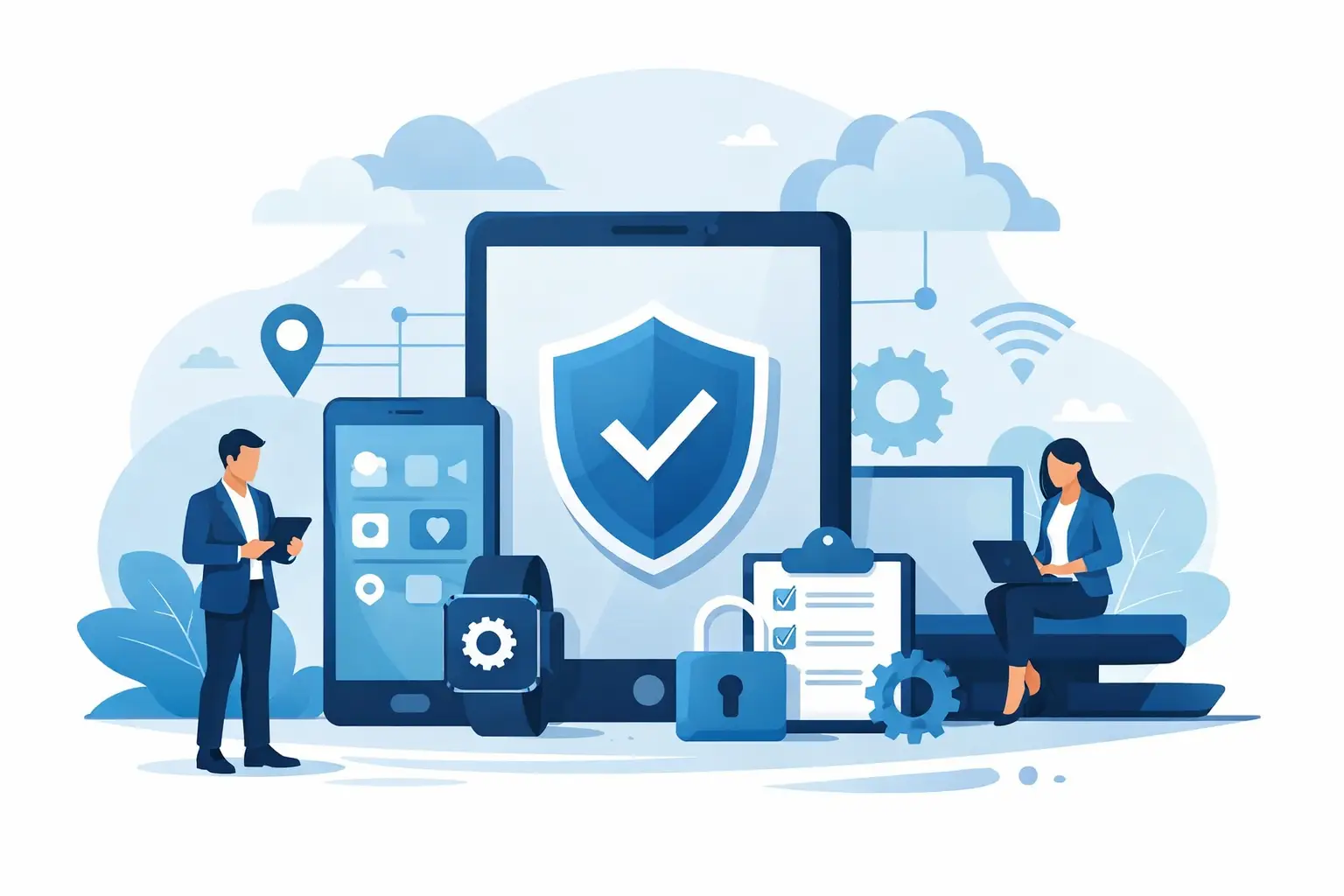
A lost company phone is rarely just a lost device. Often it carries emails, customer data, access to Microsoft 365, chat histories, and in the worst case even unsecured files. That's exactly why mobile device management for SMEs has turned from a nice-to-have into a clear necessity for many small and medium-sized businesses.
If your company uses smartphones and tablets today, you're not just managing hardware. It's about data protection, clear responsibilities, clean processes, and how much effort your team can still carry in day-to-day operations. Especially in SMEs, there's often no time to set up, check, and troubleshoot every single device by hand. This is exactly where Mobile Device Management brings structure.
What mobile device management for SMEs actually delivers
Mobile device management for SMEs means the centralized administration of mobile endpoints within a company. This typically includes smartphones, tablets, and, depending on the solution, laptops as well. An MDM platform lets you register, configure, and secure devices, and lock or reset them remotely when needed.
The biggest benefit doesn't come from a single feature but from the sum of many small relief points. New devices no longer need to be clicked through by hand. Wi-Fi, email accounts, security policies, and business apps can be rolled out in a standardized way. If an employee leaves the company or a device is lost, you can react quickly.
This matters especially for SMEs, because mobile devices have often grown organically rather than being planned. First a few work phones for sales, then tablets in the warehouse, later private smartphones used from home. At some point, oversight is lost. This is precisely where MDM creates a reliable baseline.
Why SMEs in particular benefit from MDM
Large corporations often have internal IT teams with clear responsibilities. In small and medium-sized companies, reality looks different. IT runs alongside other work, rests with just a few people, or is partly handled externally. At the same time, requirements around security and documentation keep rising.
An MDM system helps close this gap economically. It reduces manual effort, creates uniform standards, and lowers the risk of sensitive data leaking through unprotected devices. This isn't purely a technical issue. It concerns management, data protection, compliance, and daily operations alike.
There's also a very practical point: employees today expect to be able to work on the go. Email on the smartphone, calendar on the tablet, Teams or other business apps while out and about - all of this has become normal. Without proper management, this quickly turns into a mix of convenience and loss of control.
Security without slowing down daily work
Many companies worry that more security automatically means more hurdles. That concern is understandable, but only partly true. A well set-up mobile device management solution can enforce security requirements without making everyday work unnecessarily complicated.
For example, screen locks, PIN requirements, encryption, or updates can be defined centrally. Business apps can be approved while private, risky installations are restricted. This significantly reduces the attack surface. At the same time, users continue working on a device they're familiar with.
Getting the balance right is what matters. Set every function to maximum restriction and you create frustration. Leave everything open and you're acting negligently. Good MDM concepts are therefore based on the company's actual needs.
Which features really matter for mobile device management in SMEs
Not every MDM solution needs to do everything. For most SMEs, what matters most are features that bring together security, transparency, and simple administration.
First and foremost is device inventory. You should be able to see at any time which devices are in use, who they're assigned to, and what their security status is. Even this basic transparency is missing in many companies.
Equally important is the centralized rollout of policies. If passcodes, screen locks, Wi-Fi access, or email setup work differently on every device, support effort rises unnecessarily. Standardized profiles save time here and avoid mistakes.
Another core function is separating business and personal data. This is essential especially with BYOD models, where private devices are also used for work. Companies need access to the business area, but not to private photos, messages, or contacts. This is technically solvable, but it must be communicated clearly at the organizational level.
Then there are remote functions. A lost device can be locked, located, or reset to restrict it to the business area. In an emergency, every minute counts. Anyone who then has to first clarify responsibilities or track down passwords loses valuable time.
BYOD, COPE, or company phone - it depends on the model
Many SMEs face a fundamental question: should employees only use company phones, or are private devices allowed in daily work? There's no one-size-fits-all answer.
Pure company hardware offers the greatest control. The company determines device type, security standard, and usage rules. The downside is higher purchasing and management costs. For heavily regulated areas or sensitive data, this model is often the right choice.
BYOD initially looks cheaper, because employees use their own devices. In practice, different challenges arise. Data protection, support boundaries, and the separation of private and business content must be clearly regulated. Without MDM, BYOD is barely manageable in a clean way.
COPE - company-owned devices with permitted personal use - sits in between. For many SMEs, this model is a good compromise. The company retains technical control while employees still get enough flexibility. Which variant fits best depends on industry, security level, and company culture.
Rolling out mobile device management for SMEs - without unnecessary complexity
An MDM project rarely fails because of the technology. Usually, unclear goals or too many special cases are the real problem. That's why a pragmatic start pays off.
At the beginning should be the question of which devices actually need to be managed and what data lives on them. Next comes classifying user groups. Sales, management, field service, and administration often have different requirements. Forcing everyone into an identical policy creates more exceptions than order.
After that comes the desired security level. Must encryption be mandatory on all devices? Should only approved apps be installed? May data be copied from business apps into private apps? These points should be settled before the technical rollout.
Only then is the actual solution selected and rolled out. For many SMEs, it makes sense to start with a clearly defined pilot group. This allows policies, user acceptance, and support effort to be tested realistically before all devices are onboarded.
Common mistakes during rollout
A common mistake is viewing MDM purely as a control tool. That quickly turns the system into something perceived internally as a project built on distrust. Clear communication works better: it's about protecting company data, reducing support effort, and providing faster help when something goes wrong.
Equally problematic is a too-technical rollout without clean rules. If nobody knows what to do when a device is lost, or who approves personal use, even the best platform only helps to a limited extent.
And finally, many companies underestimate ongoing operations. Mobile device management is not a one-off project. New devices, operating system updates, app changes, and personnel changes all need to be managed on an ongoing basis.
What makes a suitable solution for SMEs
For small and medium-sized companies, what counts isn't the longest feature list but whether the solution actually works in daily practice. A good MDM platform should be clear to use, work well with existing systems, and run without unnecessary administrative overhead.
Integration with existing IT structures matters too. If you already work with Microsoft 365, Exchange, cloud services, or a central directory service, make sure the integration is clean. Otherwise, you quickly end up with an isolated solution that requires duplicate maintenance.
Support also plays a major role. SMEs in particular don't need an extra toolbox that ties up specialist knowledge internally. They need a solution that runs reliably and can be supported quickly when questions come up. This is exactly where a partner who combines consulting, setup, and ongoing support pays off - as with WSV Systemhaus, when MDM is built as part of a managed IT environment.
The business benefit goes beyond security alone
Of course, security is a major argument for mobile device management. But the economic benefit goes further. Onboarding new employees becomes faster, standard devices are ready for use quickly, and support cases can be handled far more efficiently.
Transparency improves too. Companies can see which devices are active, which are outdated, and where action is needed. This helps with budget planning, lifecycle management, and licensing.
Not least, a properly managed mobile workplace strengthens a company's ability to act. When field staff, managers, or home-office teams can reliably access company resources, productivity rises. It sounds unspectacular, but it makes a noticeable difference in daily work.
If you've organized mobile devices somewhat as an afterthought until now, it's time to tackle the topic properly. Not because every company immediately needs a highly complex system, but because even a few clear standards can take a lot of risk and effort out of daily business.