
Planning Online Backup for Businesses the Right Way
Online backup for businesses protects data from outages, attacks, and mistakes. What really matters in choosing, securing, and operating it.
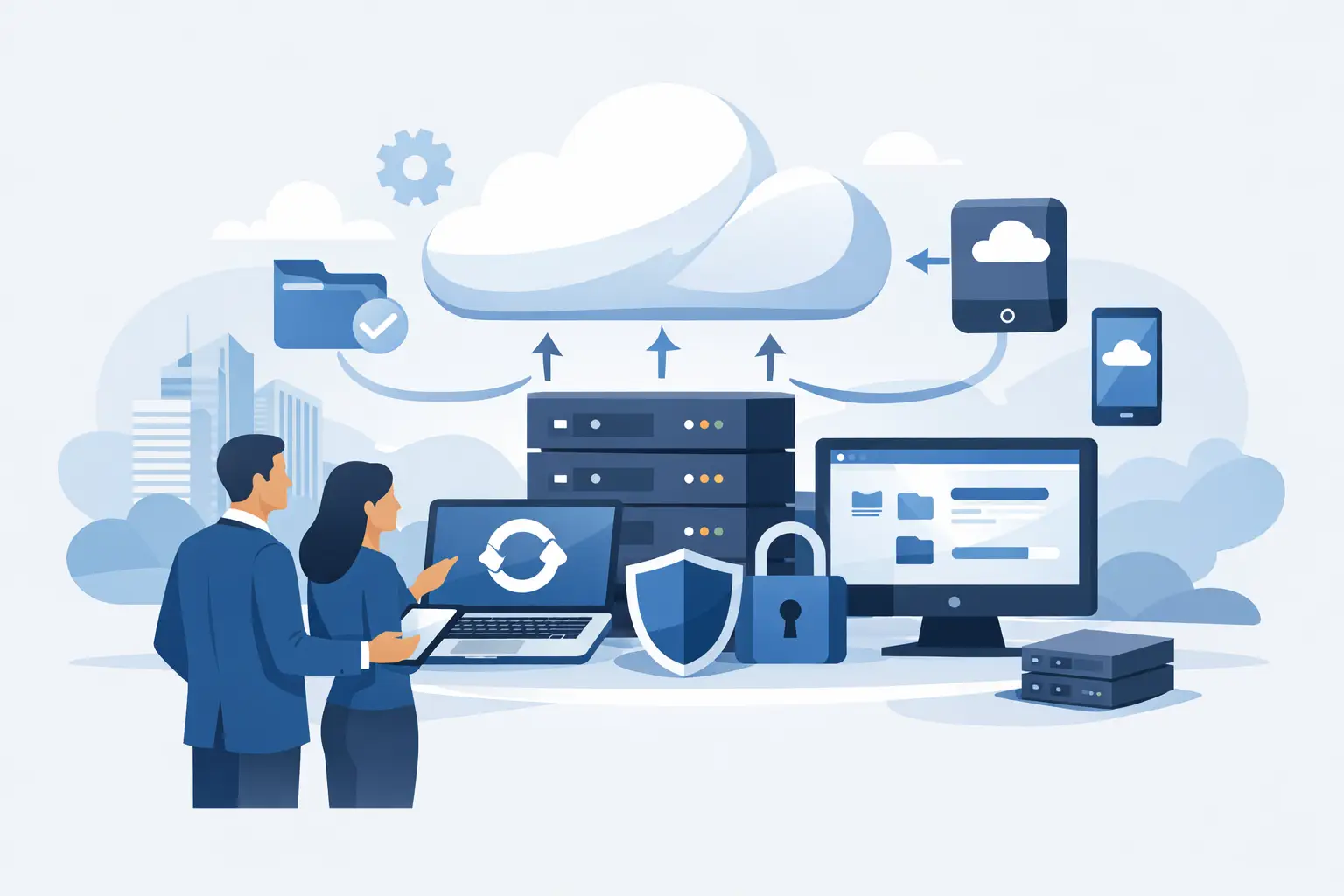
A server doesn't always fail spectacularly. Often the damage starts with a deleted file, an encrypted drive, or a backup that's been silently failing for weeks. That's exactly why online backup for businesses isn't a topic for later - it's a fixed part of a reliable IT strategy.
For small and medium-sized businesses, this isn't just about data protection. It's about the ability to keep operating. When quotes, accounting, project data, or customer documents aren't available, much more than a single workstation grinds to a halt. A good backup concept keeps your business running - with manageable effort, clear processes, and a solution that fits your IT.
What an online backup for businesses needs to deliver
Many companies still associate backup with the classic external hard drive or a NAS in the office. That can make sense in certain scenarios, but on its own it's often not enough. A local incident frequently affects more than just the production system. Power problems, hardware failures, fire, water, or ransomware don't stop at a single device.
An online backup for businesses moves data protection into an external, controlled environment. This increases resilience, because backups are physically separated from production systems. At the same time, it opens up the chance to automate and centrally monitor backup processes. Especially in mid-sized companies, that's a big advantage, because otherwise backup in daily operations quickly becomes a task that just runs along in the background - until it suddenly matters.
But what counts isn't just that data sits somewhere in the cloud. What counts is whether it can be restored quickly and completely in an emergency. A backup that stores data but doesn't support a clear recovery strategy only helps to a limited extent in a crisis.
Which data should be backed up
In many companies, the first assumption is: we back up our server, so we're covered. In practice, the situation is more complex. Today, business-critical data is often spread out - on file servers, in virtual machines, in Microsoft 365 services, in line-of-business applications, on field notebooks, or in individual departments' databases.
That's why a sensible backup strategy doesn't start with the product - it starts with taking stock. Which systems are business-critical? Which data needs to be available again within a few hours, and which can wait? And which information is subject to special requirements from data protection, retention obligations, or industry rules?
A trade business has different priorities than a tax firm or a manufacturing company. Sometimes it's enough to back up central file data and servers. In other cases, email, SharePoint data, ERP systems, or mobile devices need to be included. Good planning here doesn't mean backing up as much as possible - it means backing up the right things deliberately.
Online backup for businesses isn't a standard product
The temptation is strong to buy backup on the principle of cheap, fast, done. But this thinking rarely works for business data. Two companies of similar size can have completely different requirements. One business mainly needs fast file restores in daily operations. Another needs a concept for full system recovery after a ransomware incident.
That's why it's worth looking at the underlying conditions. How large is the data volume? How much does it change daily? What internet connection is available? Are there multiple locations? Do backups need to be versioned to restore older file states as well? And who regularly checks whether backups are actually running successfully?
This is where the difference between a pure storage solution and a managed service becomes clear. Storage space alone doesn't solve the problem. Only once monitoring, notifications, retention rules, restore tests, and clear responsibilities are part of the package does backup become a robust security measure.
Security means more than encryption
Naturally, backed-up data must be encrypted in transit and at rest. That's the baseline. For businesses, that alone isn't enough. Just as important is the question of who is allowed to access backups and how that access is protected.
If an attacker compromises administrator accounts, in the worst case they can manipulate or delete not just production data but backups too. That's why backup systems should be especially cleanly secured - with separate permissions, multi-factor authentication, and a structure that makes tampering harder. Immutable backup states can be a sensible additional layer of protection in many environments.
Where the data is stored also matters. For many German companies, it's relevant where data is processed and what contractual and data-protection conditions apply. Not every cloud environment automatically fits every organization. Especially with sensitive business data, this shouldn't be decided as an afterthought.
How quickly do you need to be back up and running?
Backup is often sold based on storage size. For business operations, a different question matters more: how much downtime can you tolerate? When a system fails, what counts first isn't how big the backup was, but how quickly you can get back to work.
This is where recovery objectives come in. Some data needs to be available almost instantly, other data only later in the day. If you don't define these priorities in advance, you'll get an unpleasant surprise in an emergency. There's a backup somewhere, but the restore takes longer than expected, or important systems weren't backed up at the required depth at all.
For a sound concept, backup intervals, retention periods, and recovery times all need to fit together. An office with a handful of workstations usually needs a different model than a company with inventory management, terminal servers, and multiple locations. There's no single best solution across the board - only one that fits your business.
Typical weaknesses in mid-sized companies
Many backup problems don't come from missing technology but from everyday routine. Backups get set up once and then go unquestioned for years. New applications are added, users work on the move, data moves into cloud services - but the backup concept stays at yesterday's level.
A common mistake is false confidence. The job reports success in the system log, but in reality individual data sources aren't being backed up or recovery points are incomplete. Missing tests are just as critical. If you've never tried what a restore under time pressure actually looks like, you don't really know your own risk.
There's also the staffing aspect. In many small and medium-sized companies, backup isn't a full-time job. It's handled alongside other duties by internal staff who also have to keep an eye on support, procurement, and ongoing operations. This is exactly where a managed service can provide relief, because monitoring, error analysis, and adjustments don't get lost in the daily grind.
What to look for when choosing a solution
When evaluating an online backup concept for your company, the decision shouldn't be based on price and storage alone. Transparency and operational reliability matter at least as much. You should be able to see clearly what's being backed up, how long data is retained, and exactly how a restore works.
Check whether the solution can grow with your company. If data volume grows significantly, new locations are added, or compliance requirements change, the backup needs to grow with it. Rigid packages often look attractive at first but quickly become a hindrance later.
Support matters just as much. In an emergency, you don't need a hotline without context - you need a contact who knows your environment and can respond quickly. For regional companies especially, that's often a decisive difference. Personal support saves time, reduces coordination effort, and turns technology back into a reliable service.
Backup as part of a bigger security concept
Online backup for businesses is not a substitute for IT security. It's the safety net for when other protective measures aren't enough. That's why it should always be embedded in a bigger overall concept - with endpoint protection, patch management, access control, firewall, user permissions, and clear processes for emergencies.
This is especially relevant with ransomware. A backup only helps here if the attack is detected, contained, and the recovery is carried out in a controlled way. Simply restoring data without eliminating the cause risks the next outage right afterward.
For many mid-sized companies, exactly this combination is decisive: not individual tools, but a concept made up of consulting, operations, and ongoing oversight. WSV Systemhaus supports companies here with tailored managed services that bring together security and everyday practicality.
When switching is especially worthwhile
If your current backup depends heavily on individual people, warning messages go unnoticed, or cloud services are only partly secured so far, the right time to switch has probably already arrived. The same applies if requirements are growing due to growth, home-office work, new applications, or regulatory demands.
Switching is also worth considering if backup regularly leaves open questions in daily operations. How quickly do we get data back? Are all relevant systems really covered? What happens if a whole location fails? Who coordinates during an incident? If there are no clear answers to these questions, what's missing isn't just technology - it's reliability.
That's exactly why backup shouldn't be treated as a box-ticking exercise. It's an operational safeguard that creates quiet reassurance in the background and decides, in an emergency, over hours, days, or weeks. The best solution is usually not the flashiest one, but the one you can rely on when it counts.
A good online backup is barely noticeable in daily operations. You only notice it when something goes wrong - and that's exactly when it should work, without arguments, without guesswork, and without unnecessary downtime.