
On-Premises Server or Cloud – What Fits?
On-premises server or cloud - which solution fits your business? A practical comparison of cost, security, flexibility, and operations.
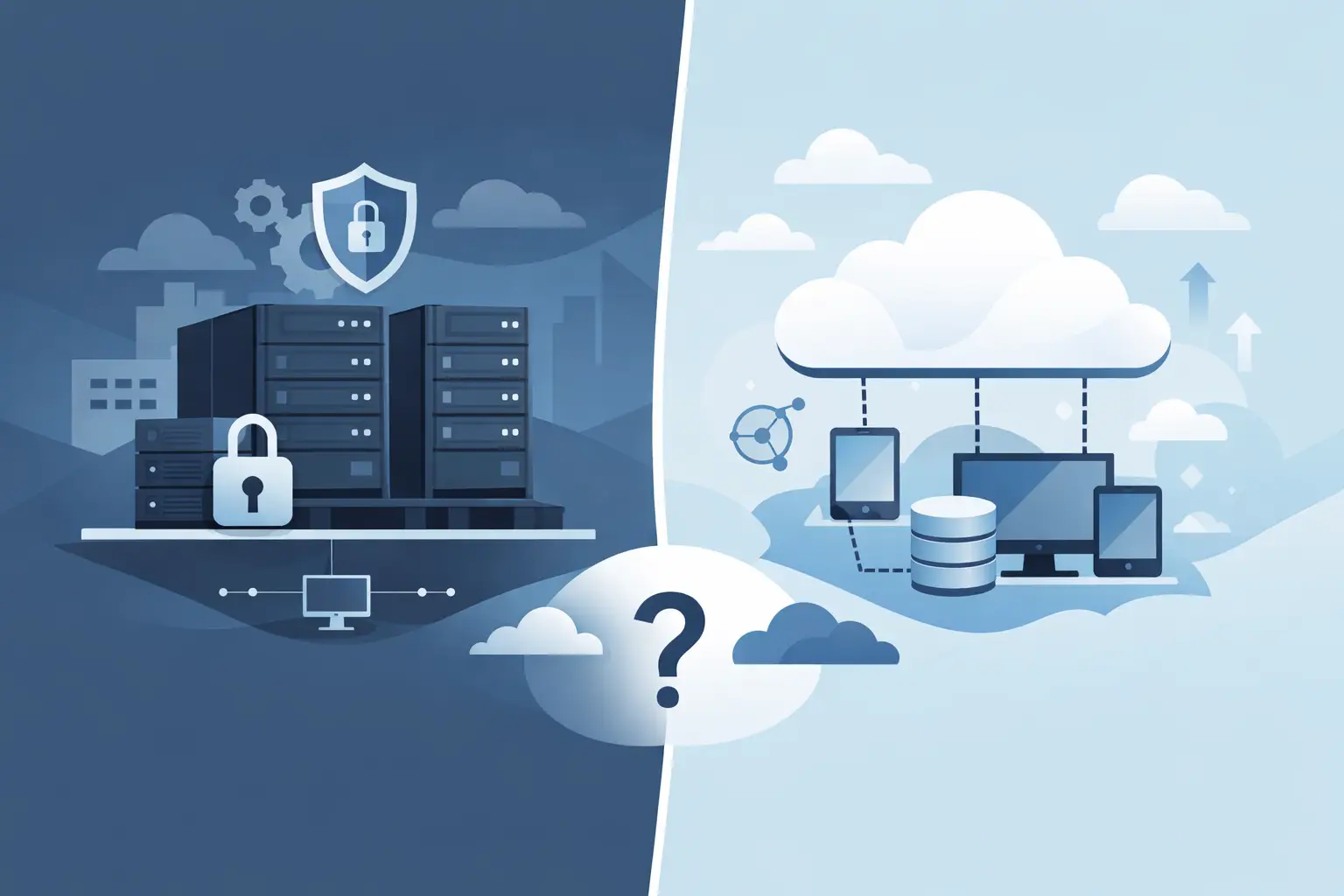
When a company grows, needs to connect multiple locations, or simply needs its IT to run more reliably, a fundamental question quickly lands on the table: on-premises server or cloud? This is exactly the point where technology suddenly becomes a real business decision - with consequences for cost, security, workflows, and the day-to-day effort involved.
Many mid-sized companies aren't looking for the most modern solution on paper, but the one that actually works in daily practice. That's an important distinction. Neither local servers nor cloud services are automatically the better choice. What matters is what your company needs, how your processes run, and how much effort you actually want to carry internally.
On-premises server or cloud: the right question isn't ideological
In practice, the discussion is often needlessly polarized. One side says everything must move to the cloud. The other insists on its own infrastructure, believing only that offers full control. Both views fall short.
An on-premises server can make sense when applications are very tightly bound to local processes, when special machines or systems need to be connected, or when data needs to be processed internally in a specific way. The cloud plays to its strengths when it comes to flexibility, mobile work, fast scaling, and predictable operations.
For many small and medium-sized companies, the most honest answer is therefore: it depends. Not on trends, but on your workflows, your security requirements, and your budget.
When an on-premises server makes sense
A local server offers, above all, one thing: direct control over your own infrastructure. Data, applications, and user management sit within your own building or your own operating environment. For some companies, this remains the cleanest solution, organizationally and technically.
That's especially true when industry-specific software is in use that only runs stably on-site, or when production environments are tightly integrated with machines, time tracking, ERP, or specialized hardware. A local server can also have advantages with very large data volumes that are continuously processed internally. Not every application is built for cloud operation.
There's also the issue of internet dependency. If the connection fails, pure cloud setups often affect more than just email traffic. With a local server, central processes may remain usable in-house under certain circumstances. For companies that depend on constant availability, that can be a strong argument.
However, an on-premises server also means responsibility. Hardware has to be procured, maintained, secured, and regularly renewed. Updates, backups, monitoring, firewall, antivirus protection, and emergency plans can't be postponed. Running things locally requires clear responsibilities and support that also kicks in when something fails outside business hours.
When the cloud is the better solution
The cloud initially looks simpler for many companies, because there's no need to buy your own server hardware. That's a real advantage, but not the only one. The cloud gets interesting especially where companies want to work flexibly, connect locations, or relieve internal IT resources.
If employees need to access the same data and applications from the office, from home, or on the road, cloud solutions often make that faster and more structured to implement. New users, additional storage resources, or new services can usually be provisioned more easily than in a classic server environment.
Financially, the emphasis shifts. Instead of a larger upfront investment, predictable ongoing costs arise. For many SMEs, that's attractive because budgets stay more calculable. At the same time, it should be said honestly: the cloud isn't automatically cheaper. Calculated over several years, ongoing fees can reach a similar or even higher level - especially when services are booked that aren't fully used in daily practice.
Another point is operational effort. Many tasks around availability, platform operations, and infrastructure maintenance sit with the provider or the managing IT partner. That relieves the internal organization. But it doesn't replace responsibility for user permissions, security policies, endpoint devices, and sensible access concepts.
Costs: pay once or pay ongoing?
With the on-premises-or-cloud question, the price is often the first thing people look at. That's understandable, but rarely helpful in isolation. What matters more is looking at total costs over several years.
A local server usually causes higher upfront costs. Hardware, setup, licenses, security, and possibly cooling or a UPS all need to be budgeted for. On top come ongoing costs for maintenance, power, replacement parts, and support. On the other hand, the infrastructure belongs to the company, and some systems can be operated economically over a longer period.
The cloud spreads costs more heavily across ongoing operations. That creates planning certainty and avoids large one-off investments. At the same time, monthly fees grow with user numbers, storage needs, or additional security and management features. Especially in growing companies, it's worth doing a proper needs assessment rather than making a quick standard decision.
The decisive question isn't just what's cheaper, but what saves internal time, reduces risk, and avoids outages. A seemingly inexpensive solution can become costly if it creates too much effort in daily operations.
Security isn't an argument for just one side
Security is often used as a trump card in this debate. Some say only in-house data is safe. Others consider the cloud generally more secure. Neither is quite right.
A local server can be run very securely - if backup, firewall, access protection, monitoring, patch management, and physical security are all professionally implemented. But that's often exactly where the challenge lies. Security isn't a state, it's ongoing work.
Cloud solutions often benefit from professional data-center standards, high availability, and clearly regulated operational processes. Still, correct configuration remains decisive here too. Weak passwords, missing multi-factor authentication, or unclear permission concepts remain risks no matter where the data sits.
For companies with growing requirements - from compliance, data protection, or NIS2-related topics - the storage location alone therefore matters less. What matters more is whether security measures are documented, verifiable, and robust enough to hold up in an emergency.
The hybrid solution is often the pragmatic path
Between black and white, there's a very practical middle ground in IT: hybrid structures. Certain applications or data stay local, while other services are sourced from the cloud.
This often makes sense when existing systems should keep being used, but new requirements such as mobile work, cloud telephony, Microsoft environments, online backups, or cross-location collaboration are added. This allows IT to be modernized step by step without unnecessarily breaking up processes that already work.
For mid-sized companies especially, this is often the most sensible solution. Not everything needs to be replaced at once. What matters more is that the architecture is cleanly planned and can keep evolving alongside the company.
Which questions you should clarify before deciding
Before talking about products or platforms, it's worth looking at your own operation. Which applications are business-critical? How important is access from outside? Are there multiple locations? How much internal IT capacity is really available? And what does an outage cost per hour?
The outlook for the next few years matters just as much. If you want to grow, digitize processes, or make workplaces more flexible, you need a solution that won't hit its limits again after a short time. If instead you have stable, clearly defined requirements, you don't necessarily need to align every infrastructure decision with current trends.
The question of responsibility should also be answered openly. Do you want to control as much as possible yourself, or would you rather be relieved of that burden? Both are legitimate - as long as the decision is made consciously.
What usually works well for SMEs
Many small and mid-sized companies do well with a solution that puts security, availability, and support front and center - not maximum technical self-sufficiency. That can be a local server with a professional managed service. It can be a well-set-up cloud environment. And often it's a combination of both.
What matters is that the IT fits the organization. Not every company needs its own server room. Not every company benefits from a full cloud migration. Good IT isn't the loudest solution - it's the one that reliably carries the load while day-to-day business runs.
This is exactly where the value of vendor-neutral advice shows. Anyone who assesses their starting point soberly usually finds not an ideological answer, but an economically sensible one. WSV Systemhaus GmbH accompanies companies through exactly these decisions, with an eye on operations, security, and future readiness.
If you're weighing on-premises server versus cloud, it's worth avoiding a quick decision. A clear look at processes, risks, and goals is the better approach. In the end, the best IT solution is the one that noticeably relieves your business - today, and just as much in two, three, or five years.